
Securely Connect WinCC 8.0 to a S7-1200 or S7-1500 with firmware v4.0 or higher using OMS+
This manual describes the steps to take to setup communication between S7
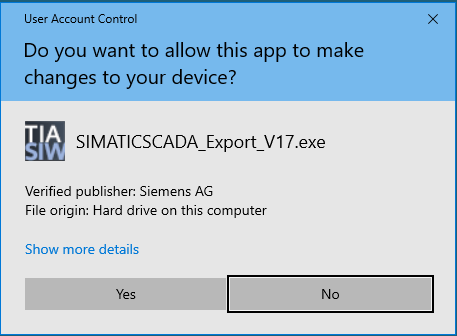
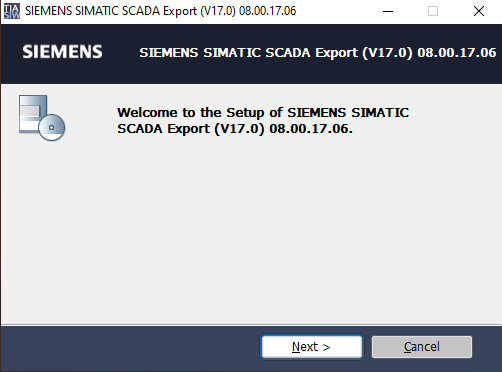
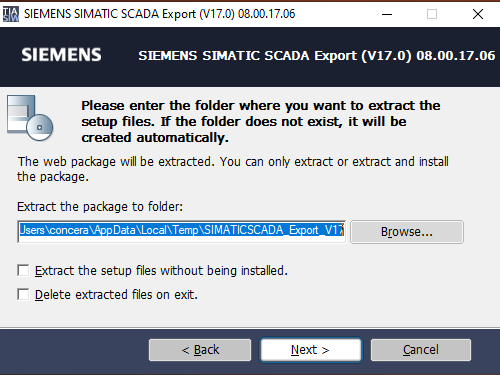
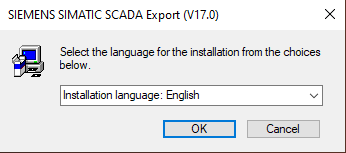
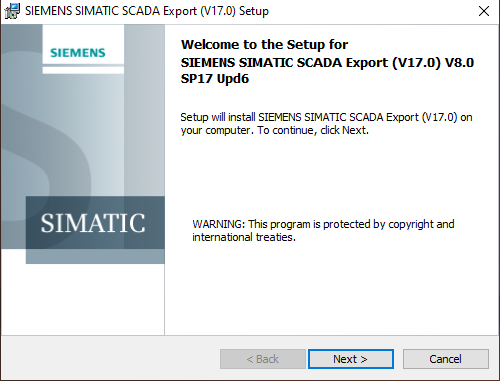
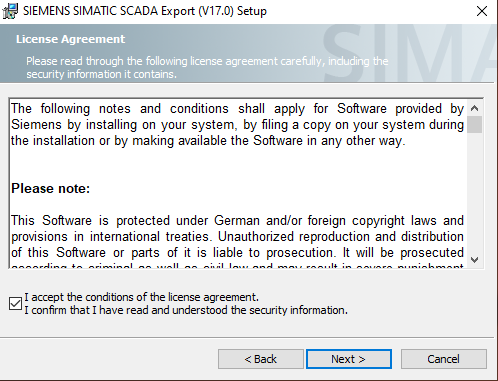
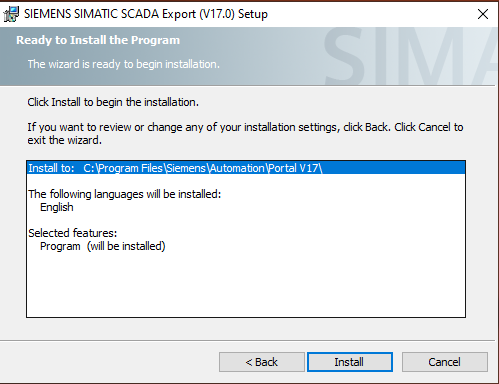
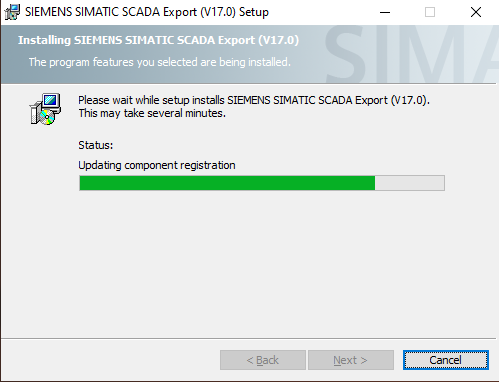
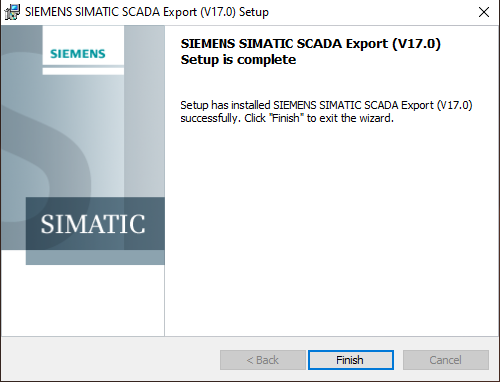
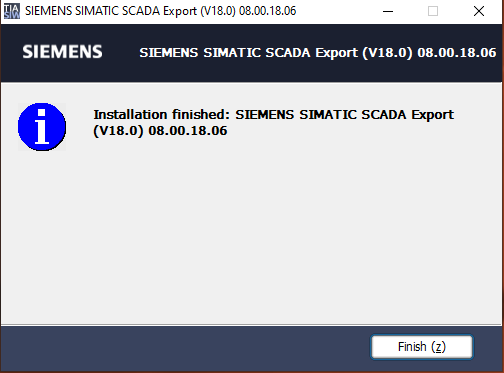
Install SCADA Export Tool
The scada export tool allows you to export connection data (certificate and – if wanted – tags). Install this tool before proceeding to the next part of the manual.
Download the appropriate version for your Tia Portal installation and install the tool.
|
|
|
|
|
|
|
|
|
|
|
|
|
|
|
|
|
|
|
|
|
|
|
|
|
|
|
|
|
Configure the PLC
Creating a new PLC project
Changing the settings of an existing PLC.
Changing settings to use password for HMI access
Changing settings to use secure connections
Export PLC connection data for WinCC
Exporting Certificate only.
Exporting Certificate and tags.
Create Connection in WinCC and install certificate
Configure Connection
Configure Install certificate