
How-to add an entry (relation) to SearchAndFind, including callHandling/forwarding
Question or Case description
This guide describes how to add an entry (relation) onto a SearchAndFind system. When a call is started, a dialplan/dialrule can be created, use to specify which contact (relation) needs to be called, for example based on a schedule.
Prerequisites
This page only convers adding relationships to an existing installation and therefore assume that a working SearchAndFind configuration (linked to a location) is already present in CoCoS.
How To
| Step 1: Navigate to "Relationships / Relations". Optionally, when dealing with hierarchy, open the existing relation the relation to create belongs to. | |
| Step 2: Use the [ + ] button from the list (or sublist) in order to create a new relation. | 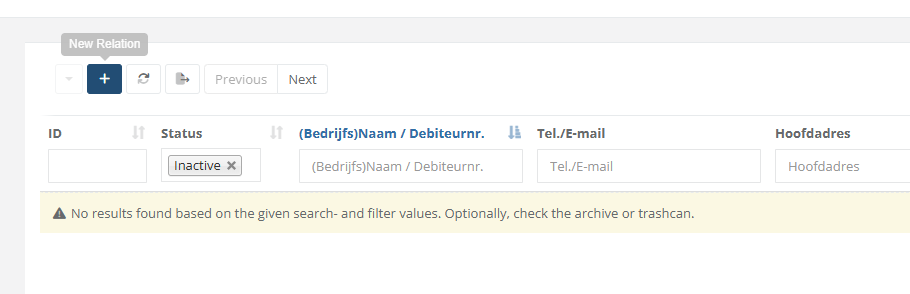 |
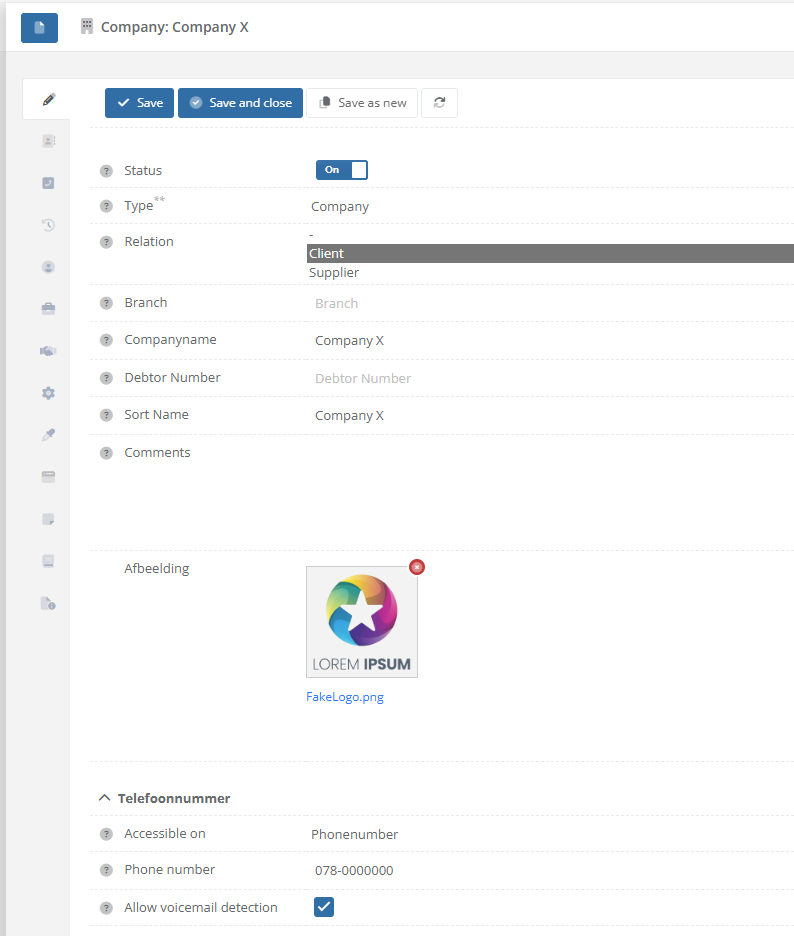
| Step 3: Fill in the fields like name, phonenumber and upload a logo/icon for the contact. |
|
| Step 4: In section/tab "Topology", select which location(s) the relation has to be displayed. SearchAndFind devices configured/linked onto the same location, will display the associated relations for them. |
|
|
Step 5 / Test: Navigate to "System / Devices" and open the SearchAndFind device(s) on which the relation should be displayed on.
In the tab "Relationships", the CoCoS management already displays which relations will be available to display. |
|
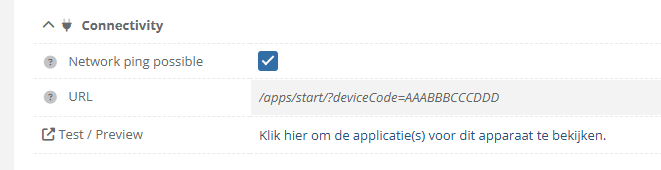
| Step 6 / Test: In tab "General", use the "Test/Preview" link to view the SearchAndFind application. |
|

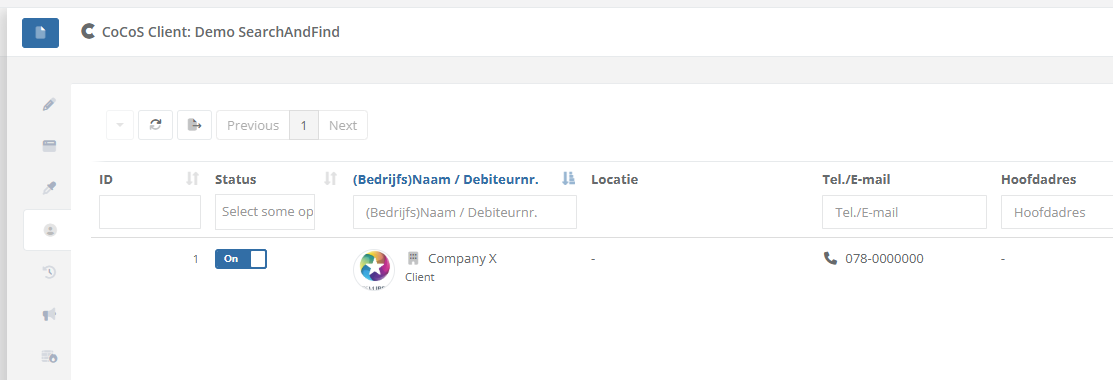
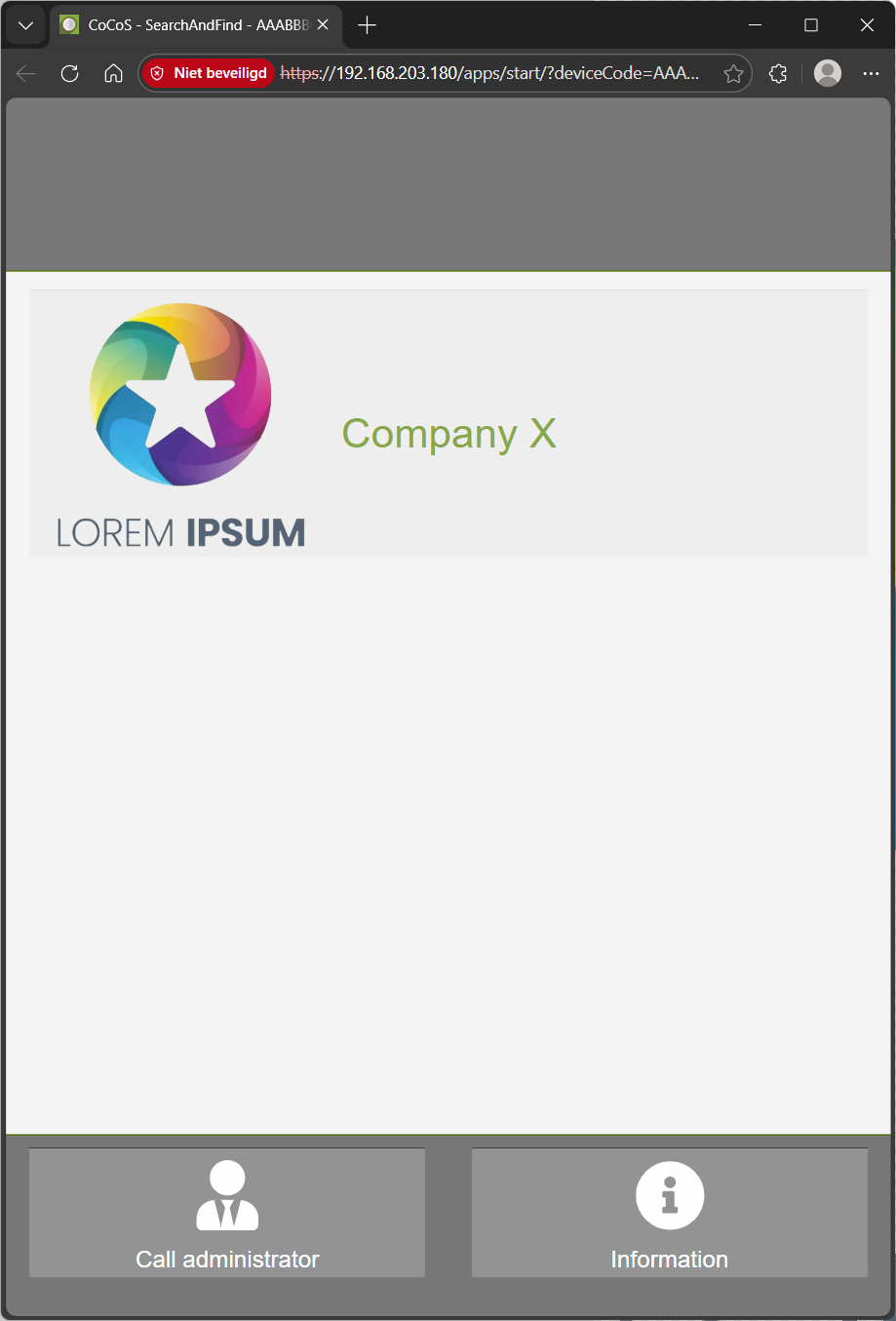
Based on the example above, the relatinon "Company X" willl be called when it's being pressed/touched at the SearchAndFind application.
When schedules or more advanced options are nessecary to create conditions based on which the call has to be forwarded elsewhere, configure this as the relation used as target (forward to) for the buttonpress. See page: How-to configure alternate rules/forwards when dialing to a relation/contact at https://knowledgebase.cocos.software/books/cocos-knowledgebase/page/how-to-configure-alternate-rulesforwards-when-dialing-to-a-relationcontact.
References
-
No comments to display
No comments to display